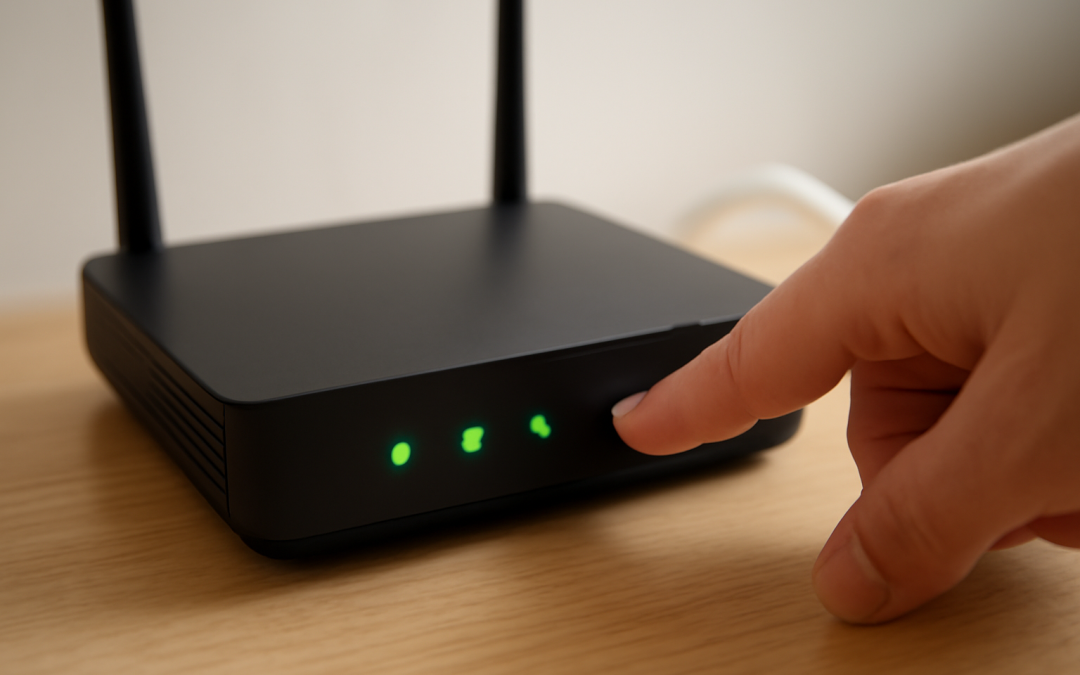
In the realm of home networking and digital connectivity, few troubleshooting steps are as universally recognized or as commonly recommended as the act of restarting a router. It is almost a ritual for countless users confronting slow internet speeds, intermittent disconnections, or unresponsive network devices. Yet behind this simple step lies a complex interplay of technology and functionality that explains why such a seemingly basic action proves effective so often. Understanding the nuances of how a router operates can illuminate why restarting a router helps restore smooth network performance.
A router serves as a crucial gateway, managing traffic between your home network and the wider internet. This device handles immense data flow, processing requests from multiple devices simultaneously, assigning IP addresses via DHCP, and maintaining network security protocols through firewalls and encryption. Over time, as this handling of data continues nonstop, certain software components within the router can encounter minor errors or glitches that degrade performance. These issues might be related to memory leaks, exhausted resources, or corrupted cache data, all of which can slowly reduce the efficiency of the device without causing a complete failure.
When a router is restarted, the immediate impact is the clearing of its active memory and cache, which resets the internal processes that have accumulated errors or temporary data overloads. Think of it as a brief pause that allows the router to start fresh without the burden of lingering states from previous sessions. This reset helps to free up system resources and can solve issues like sluggish connections, dropped signals, or devices failing to obtain IP addresses. Essentially, restarting eliminates transient software anomalies that might be causing disruptions.
Furthermore, modern routers often perform automatic firmware updates in the background. However, these updates can sometimes stall or cause the router to behave unexpectedly if they are interrupted or corrupted. A restart enforces the completion of these updates and applies any changes made, thus stabilizing the system. Routers reliant on Dynamic Host Configuration Protocol (DHCP) for assigning IP addresses might experience conflicts if devices hold onto expired or conflicting leases. Restarting forces the router to renegotiate these IP assignments, preventing conflicts that could result in connectivity issues.
Apart from software considerations, restarting a router can also have a profound effect on its hardware function, particularly in mitigating overheating issues. Continuous operation, especially in environments where airflow is restricted or temperatures are elevated, can lead to hardware components within the router overheating and temporarily malfunctioning. When the device is powered down during a restart, it has a brief window to cool off, which helps ensure that physical components maintain optimal performance and longevity.
The wireless signals managed by a router also benefit from periodic restarts. Over time, wireless channels can become crowded either within the router or in its interaction with neighboring devices operating on similar frequencies. Some routers have internal processes designed to select the best wireless channel, but these processes might not function optimally in long-running sessions if interference accumulates. Restarting a router prompts it to scan available channels anew and select the least congested one, thereby improving wireless throughput and reducing interference-related performance problems.
Another key factor is how routers manage network routing tables and device connection sessions. The router continuously tracks active connections and routes data packets accordingly. Over extended periods, these routing tables may grow excessively large or become obsolete, impacting the router’s ability to efficiently route traffic. Restarting clears these routing tables, forcing the router to rebuild and optimize the tables from scratch. This can significantly improve the time it takes for devices to communicate with one another or access resources on the internet.
For users living in densely populated areas with many competing wireless networks, periodic router restarts can alleviate network contention. Wireless devices naturally compete for bandwidth, and a router that has been running non-stop for days or weeks may encounter diminished capacity to manage these demands optimally. Restarting helps restore the router’s ability to allocate bandwidth fairly and maintain Quality of Service (QoS) policies, which prioritize certain types of traffic such as streaming or gaming. This general refresh leads to smoother, more responsive experiences for devices connected to the network.
Power fluctuations are another subtle reason why restarting a router can be beneficial. Many people restart routers by unplugging them entirely, cutting the power completely before restoring it. This process resets various low-level electrical components within the router. Such power cycling ensures any minor voltage anomalies or stuck states in microprocessors and memory circuits are cleared. Since routers are electronic devices composed of complex integrated circuits, power cycling is often an effective fix for hardware malfunctions that don’t appear during normal operation.
Some routers support dual-band frequencies (e.g., 2.4 GHz and 5 GHz bands) that cater to different types of devices and provide flexibility in a home network. These bands, though operating simultaneously, can occasionally interfere with each other if traffic management algorithms fail or become overwhelmed. Restarting facilitates recalibration of these dual bands, helping the router to balance distribution of devices and avoid channel conflicts internally, particularly important in households with multiple high-demand users and IoT devices.
In professional networking environments, the concept of restarting routers aligns with routine system maintenance and network hygiene practices. Network administrators schedule regular reboots of critical network equipment to ensure optimal performance, prevent software bugs, and apply patches effectively. This practice acknowledges several inherent limitations in router firmware and hardware, recognizing that continuous uptime can degrade performance over time. For home users, the spontaneous restart addresses these problems opportunistically without the need for scheduled maintenance.
It is also worth considering that routers rely heavily on dynamic communication with Internet Service Providers (ISPs) to maintain an active internet connection. Sometimes, ISPs issue updated network configurations or refresh the connection parameters assigned to a subscriber’s modem or router. Restarting the router forces renegotiation of this connection with the ISP’s end, reestablishing a fresh session. This can correct issues stemming from miscommunication, session timeouts, or temporary outages on the ISP side without any user intervention beyond the restart itself.
Given the technical functions described, it becomes clear that the effectiveness of restarting a router is not simply a matter of superstition or habit but a logical response to numerous subtle fault conditions. These faults might not be obvious to users but degrade network usability over time. By resetting software states, clearing memory, refreshing firmware, and realigning hardware components, a restart provides a clean slate and often restores connectivity to its intended speed and stability.
Despite its simplicity, restarting is not a cure-all for every networking problem. Persistent hardware failures, outdated firmware requiring manual updates, or poor ISP service quality require additional interventions. However, because so many routers operate under continuous strain in dynamic environments, a restart deftly resolves a vast majority of temporary issues. It is often the first step recommended by technical support due to its ease, rapid effect, and broad scope of problem resolution.
In summary, the act of restarting a router functions as a multifaceted reset. It addresses software states, firmware status, hardware temperature, wireless channel congestion, IP address conflicts, routing tables, and communication sessions with ISPs all at once. This comprehensive refresh allows the device to operate under ideal conditions once again, thereby improving internet speed, stability, and overall network reliability. For homeowners and professionals alike, understanding this process underscores why such a straightforward action holds so much power in maintaining smooth connectivity amidst the complexities of modern digital communication.