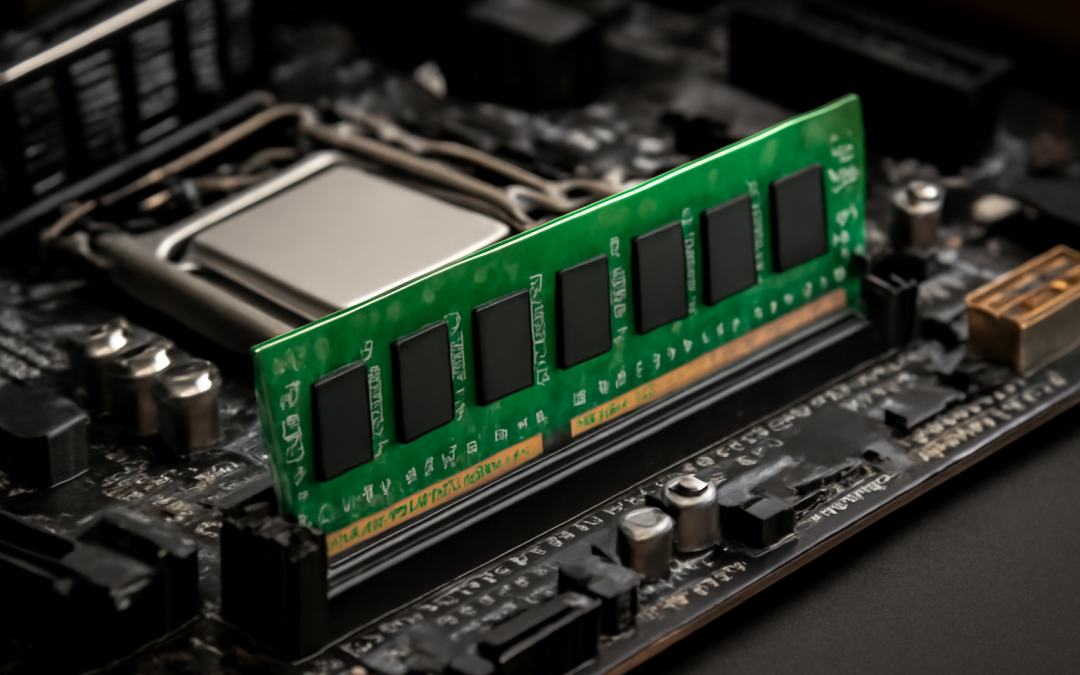
When discussing the fundamental components that influence a computer’s performance, the role of memory, particularly RAM (Random Access Memory), cannot be overstated. RAM serves as a critical intermediary between a computer’s processor and long-term storage, temporarily holding data that the CPU needs to access quickly. Its impact on overall system speed is often subtle to the casual user but becomes glaringly apparent under heavy workloads or multitasking scenarios. Understanding how RAM affects speed involves looking closely at its function, capacity, speed, and how these factors interact with other hardware components.
At its core, RAM is a form of volatile memory that stores data and instructions that the CPU is actively working on or might need imminently. Unlike storage drives, such as hard disks or SSDs, which retain data even when the machine is powered off, RAM loses its contents when the system shuts down. This characteristic underscores its purpose: providing a rapid-access workspace for the processor. Because accessing data from RAM is much faster than from storage, having an optimal amount of RAM allows the CPU to fetch information and instructions quickly, reducing delays and keeping the machine responsive.
The size or capacity of RAM is often the first specification users check when evaluating a computer’s performance. Larger RAM capacity means the system can store more data ready for immediate access, which directly translates into the ability to run more applications simultaneously without significant slowdowns. When the RAM is insufficient, the operating system resorts to using the hard drive or SSD as an extension of RAM, known as virtual memory or paging. Since storage devices are much slower than RAM, this “swapping” process causes bottlenecks, dramatically reducing the overall performance and making the system feel sluggish.
However, the relationship between RAM capacity and speed is not linear. While more RAM does generally improve speed up to a point, other factors such as RAM speed and latency are equally important. RAM speed is usually measured in megahertz (MHz) and indicates how many cycles per second the memory can perform. Higher MHz values mean the RAM can process data faster, thus allowing the CPU to retrieve and write data more quickly. Latency, on the other hand, refers to the delay between a command being given to the RAM and the moment the data starts to be transferred. Lower latency means the memory responds more quickly, enhancing the overall speed with which a computer can handle tasks.
The synergy between RAM characteristics and the central processing unit is vital. Modern CPUs are designed to work effectively with high-speed RAM, and slower memory can bottleneck even powerful processors. There is a limit to how fast a CPU can access data, and if the RAM’s data transfer rate is less than the CPU’s processing speed, the CPU spends time waiting for data, which can degrade system responsiveness. Conversely, faster RAM can feed data into the CPU more efficiently, making better use of the processor’s capabilities and improving performance during activities such as gaming, video editing, and large database operations.
Another significant factor affecting speed is the RAM architecture, including dual-channel, quad-channel, and similar configurations. These setups involve multiple RAM sticks working in parallel, effectively doubling or quadrupling the data transfer bandwidth available between the memory and the CPU. This increased bandwidth means data can be transferred simultaneously across several lanes, reducing waiting times for the processor. Computers configured with dual or quad-channel RAM typically exhibit noticeably better multitasking and data processing speeds compared to single-channel setups, especially with resource-intensive programs.
It’s also worth noting that the type of RAM matters. DDR (Double Data Rate) has evolved through multiple generations, such as DDR3, DDR4, and DDR5, each providing improvements in speed, bandwidth, and power consumption. Upgrading to a higher generation can often mean a substantial boost in performance because newer RAM modules can handle data transfers much faster and more efficiently. This advancement can be crucial for users running modern software that demands higher memory throughput, where older RAM might become a limiting factor.
Furthermore, the operating system and software environment play a critical role in how RAM affects speed. Operating systems like Windows, macOS, and Linux manage memory in distinct ways, influencing how efficiently RAM is allocated and freed. Some systems are better at multitasking and memory management, reducing the likelihood of excessive paging or fragmentation that can slow down performance. At the application level, software optimized to use more RAM intelligently can perform faster operations and handle larger datasets without crashes or hitches, highlighting the interplay between hardware and software.
When considering gaming, content creation, or professional applications, the amount and speed of RAM become even more crucial. Modern games often require a minimum amount of RAM just to run smoothly, with additional RAM providing room for background processes and faster asset loading. For content creators, tasks like rendering video or manipulating large images depend heavily on fast and sufficient RAM to keep performance steady. In these scenarios, inadequate RAM size or speed can lead to long waiting times, stutters, and reduced productivity, underscoring the tangible impact of memory on speed.
It is also important to recognize that increasing RAM is not a silver bullet for all performance issues. If other components, such as the CPU or storage, are subpar, adding more RAM alone will not necessarily make a system faster. For example, if a computer has a slow processor or a mechanical hard drive, performance bottlenecks might occur elsewhere, leaving the benefits of additional or faster RAM unrealized. The ideal scenario is a balanced system where all key components complement each other, enabling the RAM to work at its full potential and deliver the greatest speed improvements.
In enterprise environments and servers, the significance of RAM speed is magnified. Servers handle vast amounts of data and numerous simultaneous requests from users or processes. High RAM capacity ensures ample space for caching and real-time processing, while faster RAM reduces latency and improves throughput. This capability translates to quicker response times and better scalability. Data centers, databases, and cloud infrastructures depend on finely tuned RAM configurations to maintain service quality and minimize downtime, proving that the effects of memory on speed extend beyond personal computing into critical business operations.
Even in everyday computing, the subtle nuances of RAM speeds and efficiencies can be noticed if properly calibrated. For instance, web browsing with multiple tabs open, running office suites, or streaming media all benefit from a responsive memory system that can juggle numerous requests without delay. The contemporary user expects a seamless experience where launching applications or switching between tasks happens instantaneously; an adequately sized and speedy RAM module provides this smoothness by preventing slowdowns caused by insufficient or lagging memory.
In conclusion, RAM influences system speed by acting as a high-speed buffer between the processor and the slower long-term storage, facilitating rapid access to actively used data. Its capacity determines how much data can be held for quick access, while its speed and latency affect how fast this data can be delivered or received. The architectural design, compatibility, and integration with the CPU also play essential roles in maximizing performance. While upgrading RAM can enhance speed and responsiveness, a balanced approach considering all other hardware and software elements is necessary for achieving optimal system performance. The complexity and interplay of these factors reveal why memory is one of the foundational pillars of computing speed, fundamentally shaping how quickly and efficiently a computer can operate.